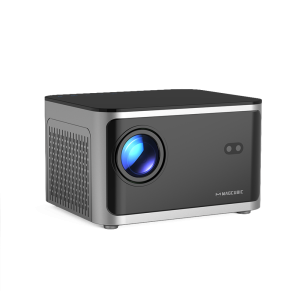
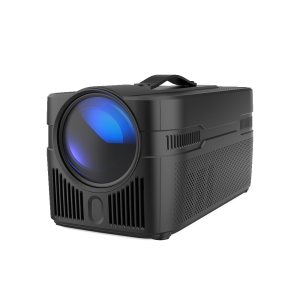
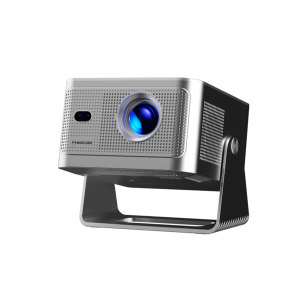
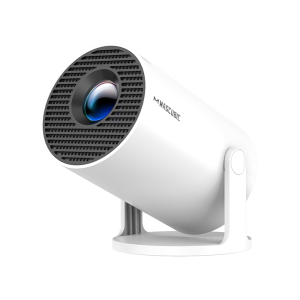
What Should I Do If My Projector Has No Sound?
Try the following steps to see if they help:
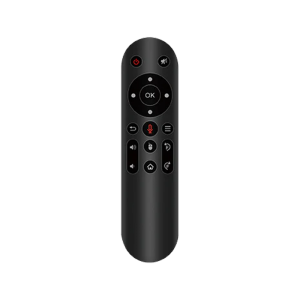
1. Adjust Volume: Press the Volume Up/Down button on the remote control to make sure the volume isn’t muted or too low.
2. Connect to a Bluetooth Speaker: Go to Settings > Bluetooth Settings > Available Devices to connect your projector to an external Bluetooth speaker.
3. Check Video Format: If the video format includes Dolby sound, try playing a standard audio format to test if the issue is format-related.
4. Factory Reset: Perform a factory reset by navigating to Settings > Other Settings > Factory Reset to restore default audio settings.
5. Inspect Speaker Connection: If your projector has a built-in speaker, disassemble the device (with the projector powered off) to check if the speaker cable is securely connected.
Note: Ensure the projector is turned off and unplugged while inspecting internal components to avoid any risk of injury.