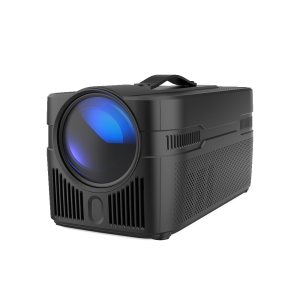
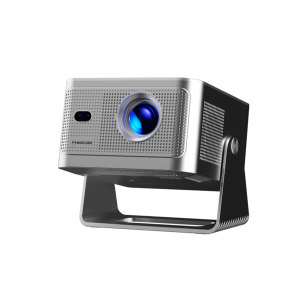
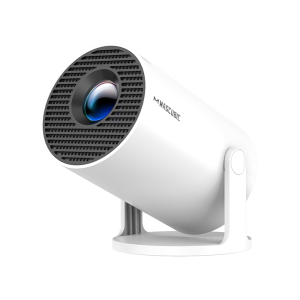
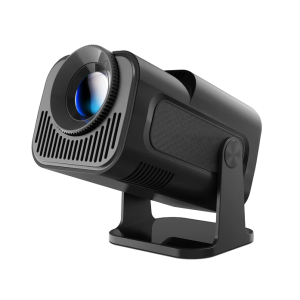
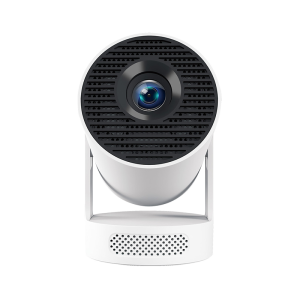
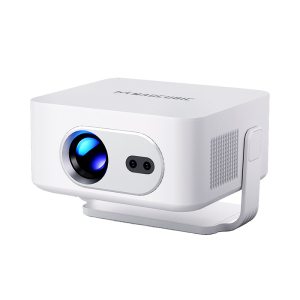
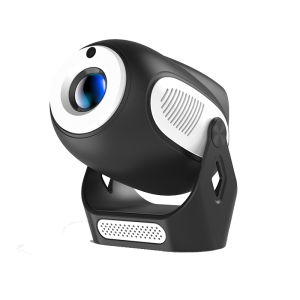
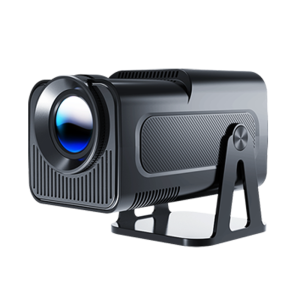
How Do I Cast a Windows (10 & 11) Device to the HY310X Projector?
Via HDMI Cable:
1. Connect your PC to the projector using an HDMI cable.
2. Press the Windows logo key + P, then select one of the following options:
PC screen only: Displays everything on your PC screen only. (For wireless projectors, this option will show as "Disconnect.")
Duplicate: Shows the same content on both screens.
Extend: Expands the display across both screens, allowing you to drag items between them.
Second screen only: Displays everything on the connected projector screen, leaving the PC screen blank.
Via Wireless:
1. Ensure both the projector and Windows device are connected to the same network.
2. Go to ScreenCast > Miracast and click the START button on the projector.
3. Press the Windows logo key + K on your device, then select the projector.
Note: Content from streaming services like Disney+ and Netflix cannot be mirrored or cast due to copyright protections. To view this content, install the relevant apps directly on the projector.







 United states Dollar ($)










 Christmas Sale 20% off code 7QEVR9XT valid until January 1st